Why Offline-First Laboratory Software Can Matter
Explore how offline-first lab software supports work during internet outages—and the backup, security, and recovery duties it brings.
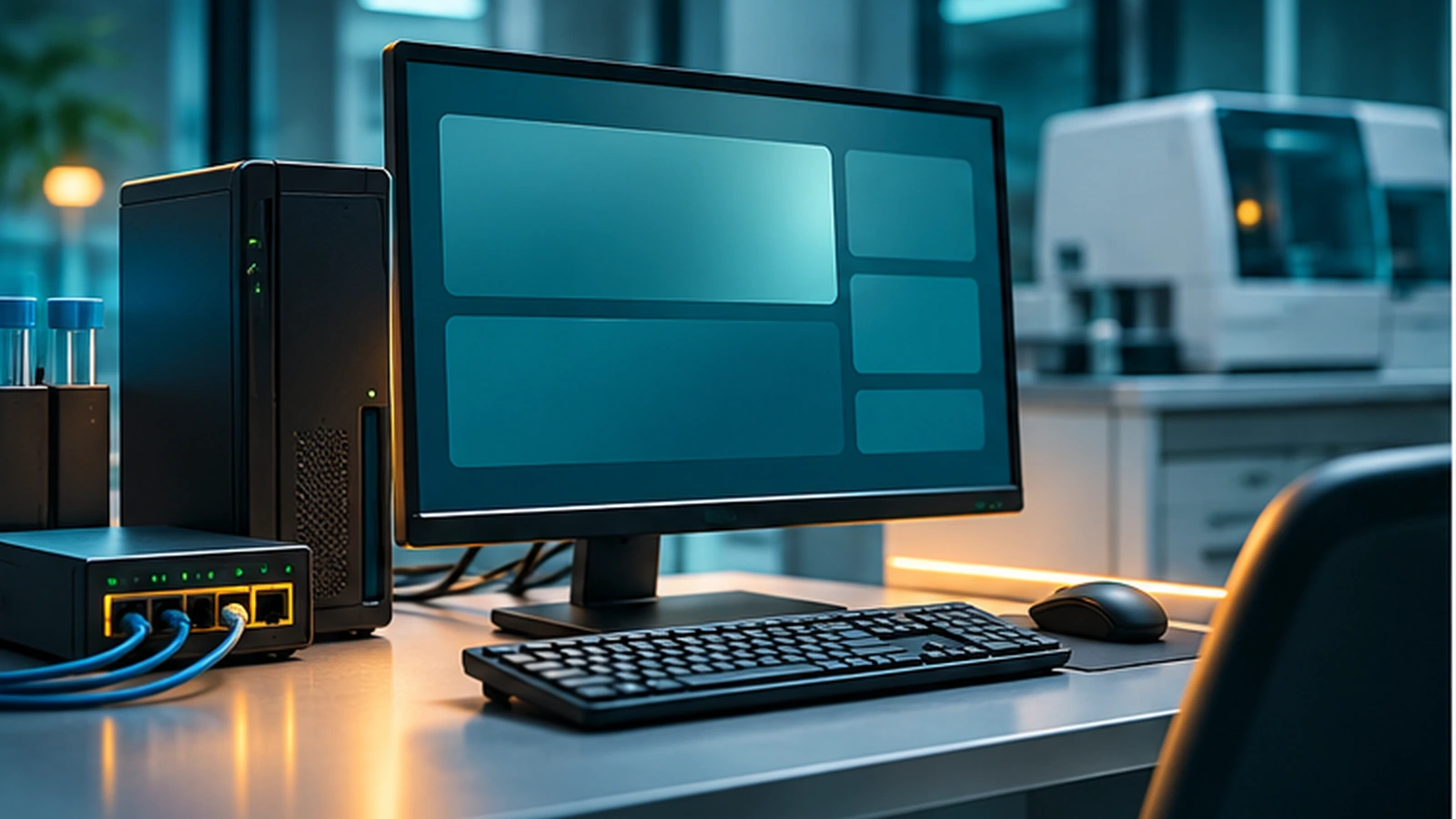
A laboratory may lose internet access without warning. The connection might fail for five minutes, several hours, or longer. If every registration or result screen depends on a remote service, staff may be forced into handwritten workarounds at the busiest moment. An offline-first design aims to keep essential tasks available locally, even when the external connection is unavailable.
This can be valuable for smaller diagnostic laboratories, rural locations, or any practice where internet service is unreliable. It does not mean every computer in the building can automatically share data without a network, or that offline software is immune to hardware failure.
What 'offline-first' actually means
In a typical offline-first desktop system, the application and the data required for defined core tasks are available on a local device or supported local network. Exactly which tasks remain available is product-specific. Approved tasks—such as creating visits, entering test results, viewing historical records, or preparing reports—may continue without the public internet, depending on the software's architecture and local resources.
Some optional features still require connectivity: sending email, cloud backups, remote access, online license services, or data exchange with other facilities. A vendor should explain exactly which features work offline and which do not. 'Offline' is not the same as 'fully disconnected from every other device.'
Advantages for a busy bench
Local operation can give staff predictable access to the records needed for routine work. It may reduce dependence on internet latency and avoid interruption when a remote service is unavailable. Keeping certain data under local control may also suit the organization's legal, privacy, or operational requirements.
But speed and safety depend on implementation. A badly maintained local database can be slower or less reliable than a well-designed hosted system. The choice should be based on tested workflows rather than marketing labels.
The responsibilities that come with local data
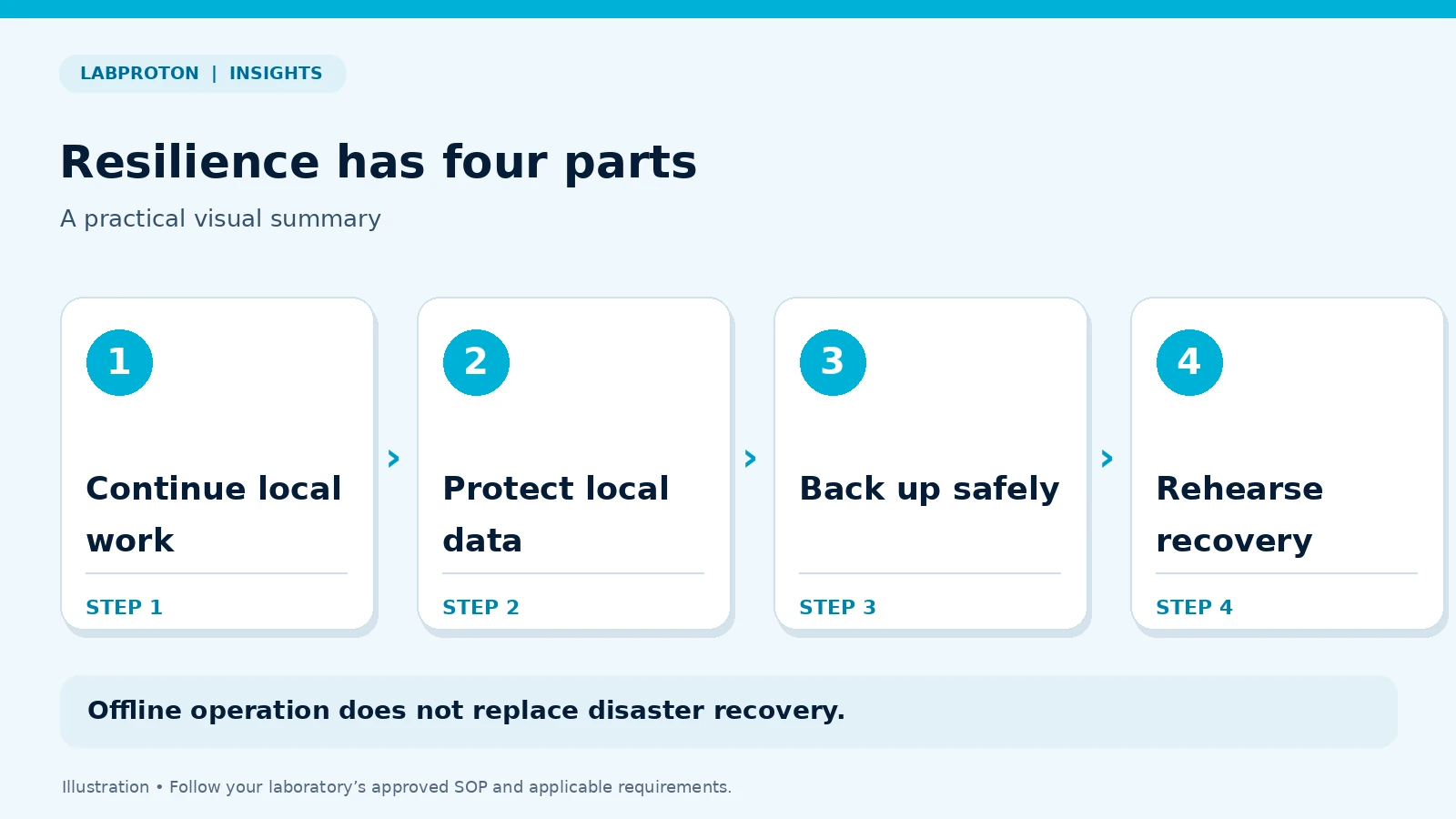
When a laboratory operates its own data store, it becomes responsible for backups, restore testing, access control, equipment maintenance, physical security, and disaster recovery. An external copy may still be needed to protect against fire, theft, or complete device loss.
Create a written recovery plan. Ask what happens if the main workstation fails, how quickly an approved replacement can be prepared, and whether the newest backup can be restored without losing important identity or audit information.
Think carefully about multiple workstations
If several computers use the same records, the software needs an explicitly supported arrangement for shared access, record consistency, permissions, and any necessary conflict handling. Multiple standalone copies are not automatically one shared system. Two staff members entering results on disconnected copies can create conflicting histories. Never assume that copying database files back and forth is a safe substitute for a supported multi-user configuration.
If optional cloud or remote syncing is provided, test interrupted connections and reconnection behavior. Confirm how duplicate changes, report revisions, and audit trails are handled. Not every offline-first application includes these features.
Plan for the realistic outage
Run a supervised scenario: the internet becomes unavailable while reception is registering patients. Which activities continue? Can staff print labels and reports with their local devices? What happens to scheduled email notifications or remote access? How will they know that queued actions were completed after connectivity returns?
Then test a separate problem: the main computer's disk fails. Offline-first architecture does not save a laboratory from that event without usable backups and a restore procedure.
Questions before choosing a system
Ask which functions require internet, where patient records live, how backups are created and verified, whether multiple users are supported, what security controls exist, how updates are obtained, and what recovery steps have been tested on the actual operating systems in use.
Offline-first systems can provide welcome independence, but independence has value only when the laboratory manages its data responsibly.
Example: two outages with very different consequences
In the first scenario, the public internet connection fails for an hour. A laboratory with an appropriate local application and database may continue registering patients and entering routine results. A remote email service or customer portal may remain unavailable. Staff need a clear way to identify any actions that require later sending or reconciliation when the connection returns.
In the second scenario, the main computer's drive fails. Being offline-first provides no benefit if the only usable database was stored on that drive and no valid backup exists. A tested recovery procedure may restore the service on a replacement device, but its success depends on preparation, current protected copies, and knowledge of which settings and permissions must be recovered.
Avoid: confusing internet resilience with hardware resilience, assuming any two offline computers can merge patient records safely, or promising remote features that require a connection. Ask vendors to demonstrate realistic failure modes.
Common questions
Does offline-first mean staff can work on every computer independently?
No. Local availability and multi-user synchronization are different capabilities. An application needs a supported sharing or synchronization design to prevent conflicting records.
Does offline-first remove the need for off-site backups?
No. A local disk failure, theft, fire, or ransomware incident can still destroy records. Keep protected independent backups and rehearse the restore process.
Reference leads
WHO, *Laboratory Quality Management System: Handbook* (2011); ISO 15189:2022 information management and continuity concepts; the vendor's published architecture and backup instructions.

Choosing Reliable Lab Computers, Scanners, and Backups
Choose dependable laboratory computers, barcode scanners, printers, UPS equipment, and testable backup and restore procedures.
Read article →
Laboratory Software Security: Access, Backups, and Audit Trails
Protect laboratory records through role-based access, secure devices, verified backups, meaningful audit logs, and response planning.
Read article →
How to Reduce Avoidable Specimen Rejections
Reduce avoidable specimen rejections with clear acceptance criteria, consistent rejection-rate tracking, and targeted collection improvements.
Read article →