Choosing Reliable Lab Computers, Scanners, and Backups
Choose dependable laboratory computers, barcode scanners, printers, UPS equipment, and testable backup and restore procedures.
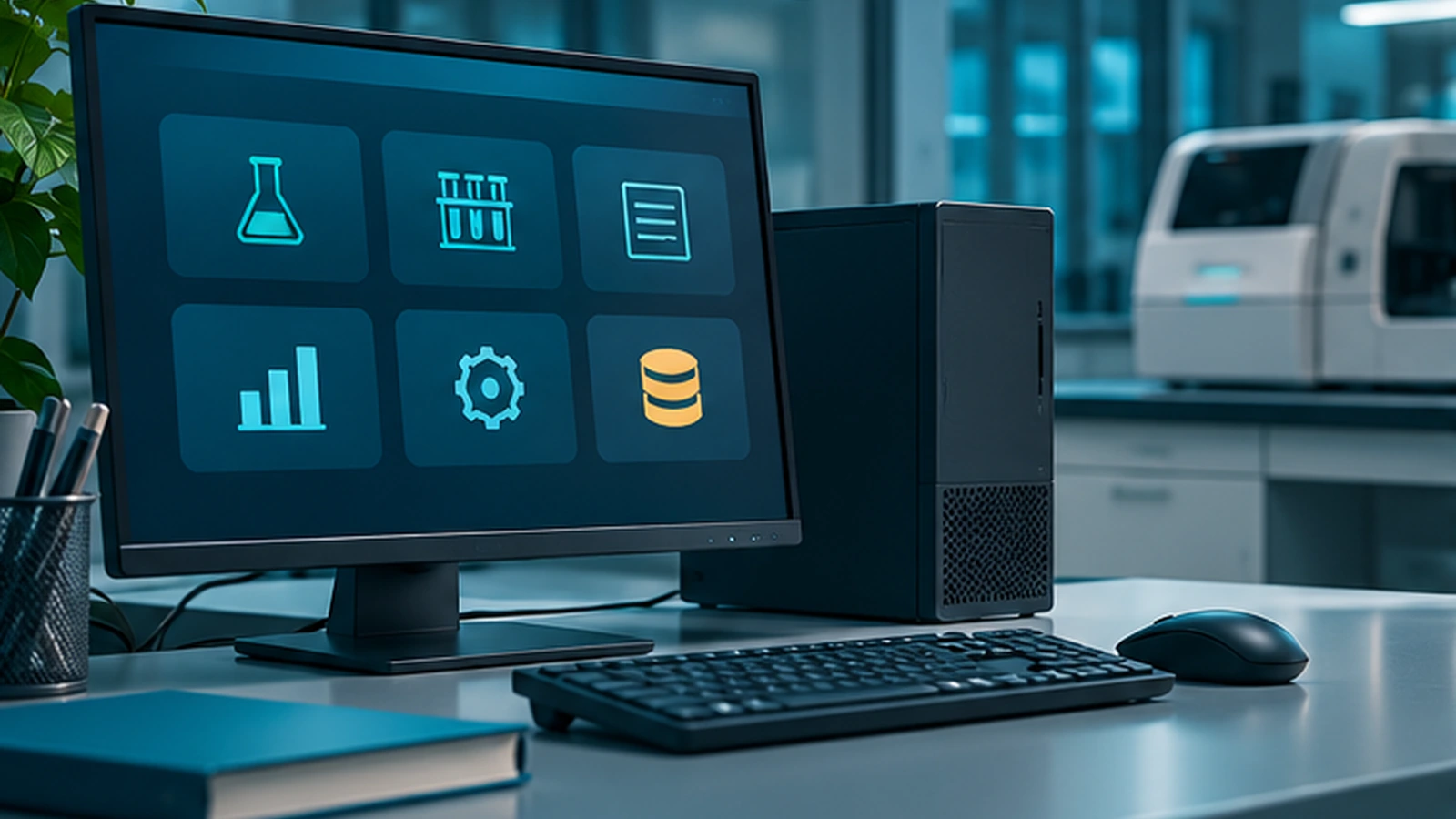
Laboratory software relies on ordinary pieces of equipment: a computer that starts every morning, a scanner that reads the right barcode, a printer that produces legible labels, and storage that can be restored after a failure. These devices may seem less important than an analyzer, but a broken label printer can stop accessioning just as effectively as an instrument breakdown.
A sensible hardware plan starts with the tasks your laboratory performs, not a shopping list of expensive specifications.
Match the workstation to the workflow
Reception often needs a reliable keyboard, screen, barcode scanner, and label printer near the sample intake area. A reporting station may benefit from a larger monitor and a dependable document printer. A bench workstation must tolerate its location: splashes, limited space, gloves, and frequent cleaning can affect device placement and handling.
Prefer equipment with adequate memory, solid-state storage, suitable ports, and a documented support and replacement path. The exact hardware and operating-system requirements depend on the chosen software. Verify them against the vendor's supported configuration rather than assuming that any computer running Windows will work equally well.
Test scanners and labels as a complete pair
A barcode system is only as reliable as the smallest label it must read. Check print resolution, label material, dimensions, contrast, scanner compatibility, and whether the code remains readable after the tube is chilled or handled. Some scanners behave like keyboards, while others need configuration for prefixes, suffixes, and barcode symbologies. Test whether the configured scanner inserts unexpected characters or skips fields in the actual application.
Pilot the setup with genuine tube sizes and non-patient test identifiers. Print a range of labels, place them on containers as staff actually would, and scan them after routine handling. A label can look good on a desk but wrap poorly around a small tube or cover the sample viewing area.
Place printers and screens thoughtfully
Keep label printers away from frequent splashes and prevent paper rolls from collecting dust or moisture. Put monitors where staff can verify orders without exposing sensitive data to waiting patients. Allow enough space to separate unlabeled from labeled containers and avoid accidentally pairing the wrong tube and label.
Ergonomics is part of reliability. Reaching awkwardly around equipment all day encourages shortcuts and may contribute to fatigue. Ask the people using each workstation to test the layout before it becomes permanent.
Plan for power loss and component failure
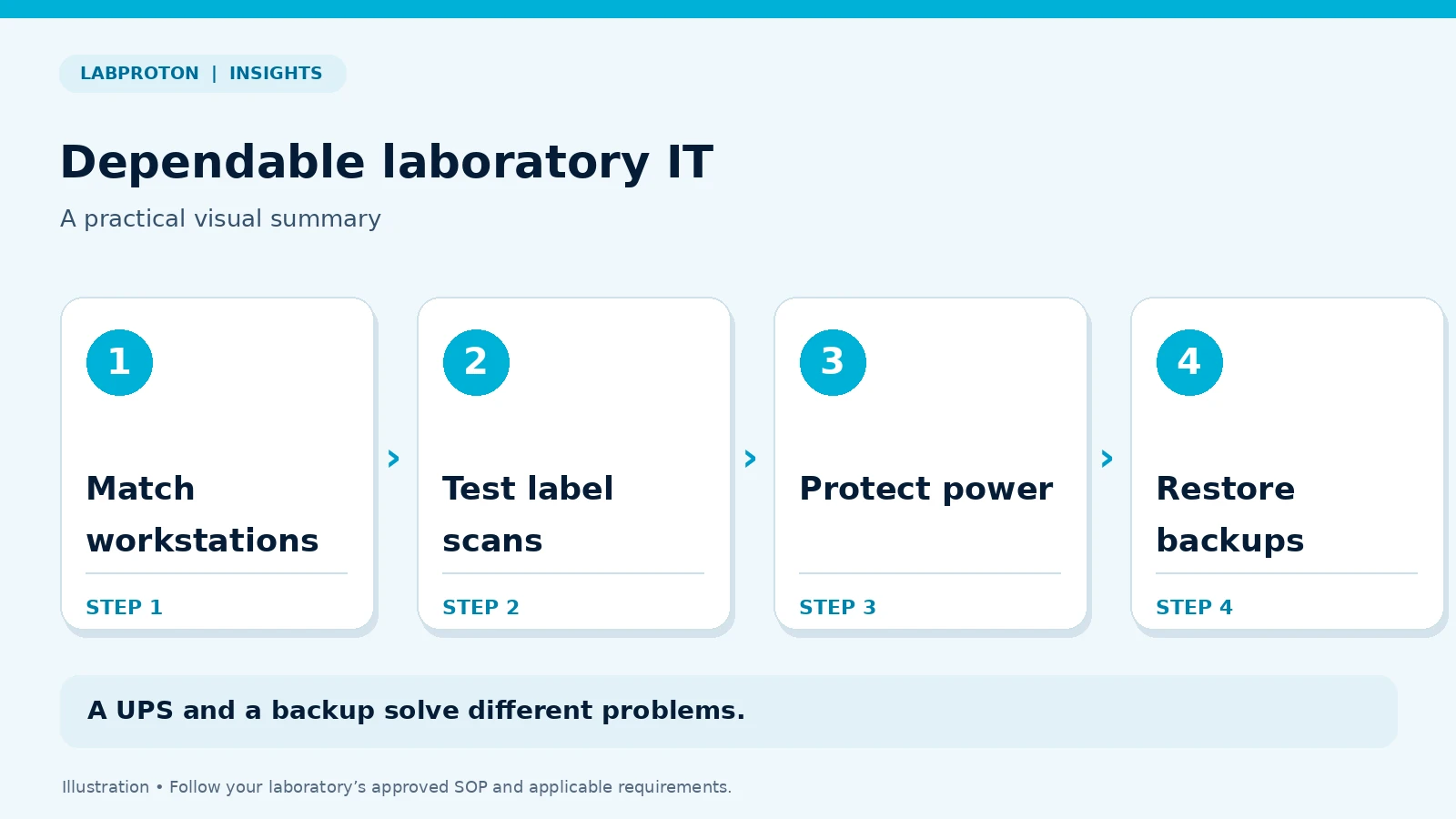
Use an appropriate uninterruptible power supply (UPS) where brief outages could corrupt active records or interrupt an important process. A UPS is not a substitute for a backup. Batteries age and must be checked, and a desktop printer or analyzer may have a different power requirement from the computer itself.
Keep a small stock of failure-prone consumables such as printer labels, ribbons, or compatible scanner cables. Document basic troubleshooting: what to restart, what not to disconnect during database activity, and who is authorized to repair the system.
Back up data—and practise restoring it
Decide how much recent data the laboratory could afford to lose and how quickly it must resume work. Use a documented backup schedule with at least one separate, protected copy. Follow the application's own database-safe backup procedure; simply copying a live database file without a supported method may produce an unusable snapshot.
Perform restore tests with non-production equipment or a safe test environment. Check not only that the program opens, but that representative patients, visits, results, permissions, and settings are present. Keep recovery instructions available even if the primary workstation is inaccessible.
Retire unsupported devices deliberately
A computer that still turns on is not necessarily a secure computer. Unsupported operating systems and outdated printer drivers may increase privacy and operational risk. Where legacy equipment must remain, document compensating security measures and replacement priorities instead of assuming that software compatibility solves the problem.
An equipment review that fits a small lab
Inventory each workstation and peripheral with location, owner, purchase date, operating system, critical application version, warranty/support status, and backup responsibility. Every quarter, review recurring faults and identify one improvement that would most reduce downtime.
Reliable hardware is rarely glamorous. It is the foundation that lets staff concentrate on testing rather than recovering from preventable technical interruptions.
Example: testing a barcode setup before buying twenty scanners
A laboratory plans to install matching barcode scanners at reception and the chemistry benches. During a pilot, the scanner reads a large demonstration label perfectly but struggles with the much smaller label used on routine pediatric tubes. Some labels wrinkle when wrapped, and the barcode becomes unreadable after refrigeration. These problems would not be visible from a product brochure.
A better purchase test prints labels at the intended dimensions, on the actual material, with fictional specimen identifiers. Staff apply them to containers and scan at each workstation under normal lighting and handling conditions. The laboratory can then confirm printer settings, label placement, scanner configuration, and usability before ordering more equipment.
Avoid: selecting devices based only on price or advertised speed, using unsupported software drivers without a plan, or mistaking a successful backup notification for proof that data can be restored. Test the entire path with the real work environment.
Common questions
Is a UPS the same as a backup?
No. A UPS can bridge short power interruptions and support safe shutdown. A backup is a separate recoverable copy of records, created using an application-appropriate procedure and tested through restoration. Both may be needed for dependable operation.
Should I keep an old PC just because the software runs on it?
Compatibility is only one factor. Unsupported operating systems and aging hardware can increase security and downtime risk. Assess controls, replacement costs, and support availability.
Reference leads
WHO, *Laboratory Quality Management System: Handbook* (2011), equipment and information management sections; ISO 15189:2022; vendor hardware and backup documentation.
Why Offline-First Laboratory Software Can Matter
Explore how offline-first lab software supports work during internet outages—and the backup, security, and recovery duties it brings.
Read article →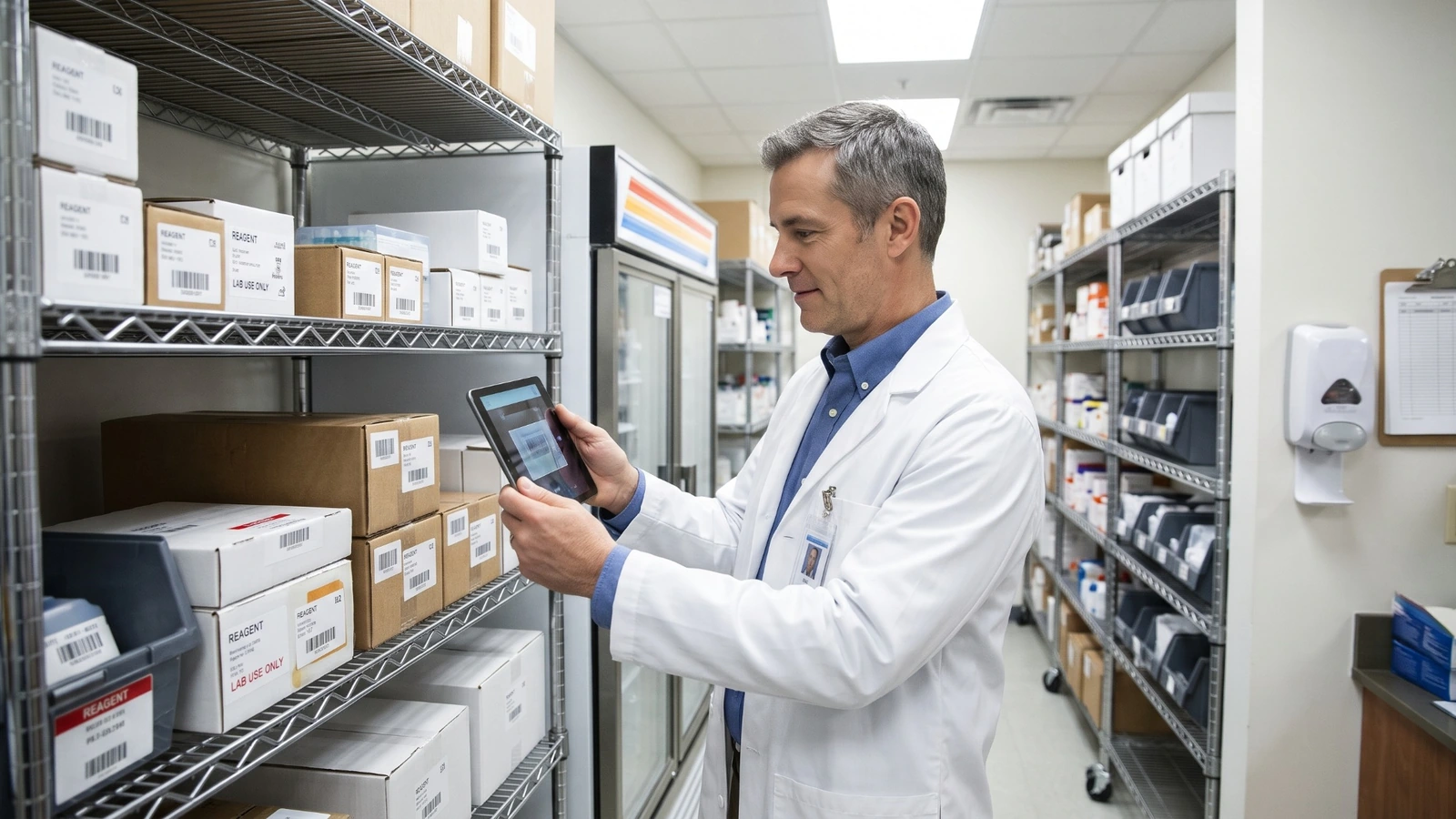
Laboratory Inventory: Reduce Waste Without Running Out
Reduce reagent waste with FEFO rotation, realistic reorder points, traceable stock records, and a simple monthly inventory review.
Read article →
Laboratory Software Security: Access, Backups, and Audit Trails
Protect laboratory records through role-based access, secure devices, verified backups, meaningful audit logs, and response planning.
Read article →